
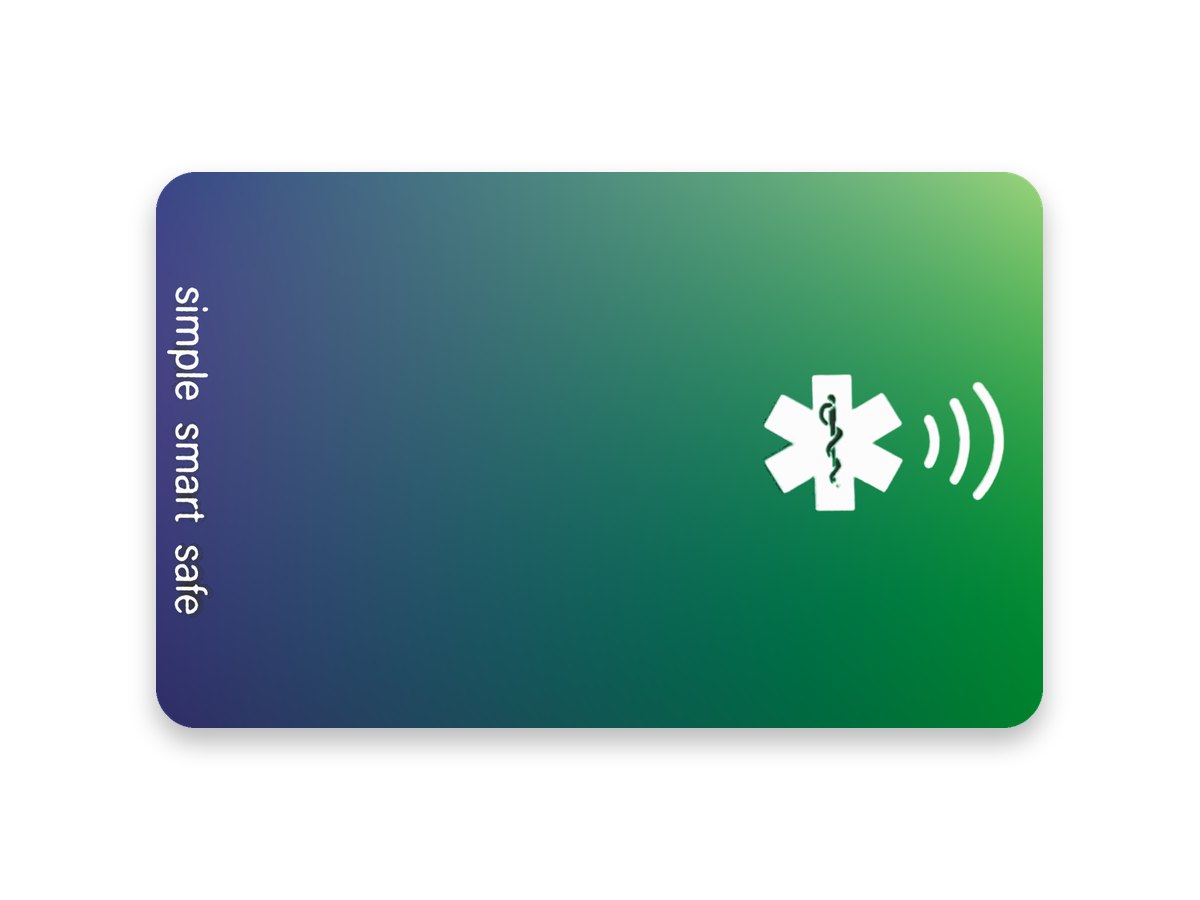
Card
tapWEAR Card
Your details, wallet-sized. The Card has its own chip, so it works without a Core.
- 1 Card with a passive NFC chip
- Works on its own
- Set up in the same free app
$19Coming soon
DetailsYour emergency and care details on a band, keyring or card. Anyone with an NFC-enabled phone can read them with one tap, and you choose what they see.
TapWear displays user-entered information and does not verify medical accuracy or replace professional care or emergency services.
The Emergency Info screen in the tapWEAR app, with an example profile.
Both are read the same way and set up in the same free app. Choose the one that suits how you live.
Your details, wallet-sized. The Card has its own chip, so it works without a Core.
$19Coming soon
DetailsWear it on your wrist, or clip it to keys and bags. The Core moves between the wristband and the keyring.
$39Pre-order now
DetailsYou set everything up in the free tapWEAR app. After that there’s nothing to charge, renew or pay for.
Download the free tapWEAR app. No subscription needed.
Get it on the App Store. Coming soon to Android.Allergies, conditions, medications, care contacts. As much or as little as you like.
Pick which details go on the public emergency page, and which are stored on the band itself for offline access.
Hold your phone to it to link it to your profile.
From then on, anyone who taps your band with an NFC-enabled phone sees a read-only page with the details you chose. They don’t need the app.
Put the details that matter in one place.
Only verified tapWEAR bands open your page.
Keep care notes and contacts together, not scattered.
One tap shares what you’ve chosen, nothing more.
Change your details any time, then sync them to your band.
Fill in what’s relevant to you and leave the rest. Blue is what you can add to your profile. Green is what tapWEAR does with it.
What to do first, and who to call.
Conditions that change how you should be helped.
What you take and how often.
How to communicate with you, and what helps.
Notes from you, your family or your carer.
Works wherever there’s an NFC-enabled phone.
Use the app in 8 languages, including Arabic, Chinese, Hindi and Vietnamese.
Family, carers and doctors, ready to call.
Medication reminders and calendar events. Not for urgent or life-critical treatment.
Upload documents in the iPhone app or the online portal, and share them through links that expire.
tapWEAR only shares what you put there. Health details are sensitive, so the choices stay with you.
Nothing appears on your profile unless you add it, and you pick which details go on the public emergency page.
Anyone who taps your band can see the details you’ve made public. Only show what you’d be comfortable with a stranger reading in an emergency.
Your emergency page opens only from a scan of a verified tapWEAR band. Lose one, and you can revoke it in the app so it stops opening your page.
With an optional TapWear Cloud account, you can see recent opens of your profile and turn on scan notifications.
Create a temporary, read-only access code for the details you choose.
Someone who scans your band can choose to send you their name, phone number and a one-time location. Only you see it, in Recent Scans.
The band itself has no battery and no location tracking, so it can’t follow where you go.
So the person helping you knows what matters before they act.
So a neighbour or carer can reach family quickly.
On a school bag or wrist. A parent manages the profile for under-13s. Not suitable for children under 3.
ID that doesn’t rely on your own phone or a battery.
Your details go with you, wherever there’s an NFC-enabled phone.
Keep the care details of someone you look after in one place.
It stores and shares information you enter. It isn’t intended to diagnose, treat, monitor or prevent any condition. Don’t rely on it as your only source of information in an emergency, and always call 000 if someone needs urgent help.
Only the information you’ve chosen to make visible. You control this in the app, and you can change it whenever you like.
No. They need an NFC-enabled phone with NFC switched on, and they see a read-only page. You need the free tapWEAR app to set up and update your profile.
To set up tapWEAR, you need the app. It’s on the App Store now for NFC-capable iPhones running iOS 16.6 or later, and it’s coming soon to Android. To read a band, someone needs an NFC-enabled phone. Most recent iPhone and Android models work, but compatibility can vary, and some Android phones have NFC switched off by default.
No. The app is free, and there’s no subscription or extra cost.
No. The chip inside is passive: it has no battery and is powered by the phone that taps it, so there’s nothing to charge or replace.
Update them in the app, or online in the portal, then sync your band in the app. It’s worth reviewing your profile whenever your medications, conditions or contacts change.
Yes. Accounts are for people aged 13 and over, so for a younger child a parent or guardian manages the profile. The products contain small parts and aren’t suitable for children under 3.
With a TapWear Cloud account, you can revoke a lost band in the app, and it stops opening your emergency page. You can link a replacement the same way.
Yes. In the app, create a temporary, read-only access code for the details you choose. Your doctor enters it at salluscloud.com/doctor, and the access expires.
No. It’s for storing and sharing personal information you enter. It isn’t intended to diagnose, treat, monitor or prevent any condition, and it isn’t a substitute for medical advice or for calling 000.
Another question? Email info@tapwear.co